We recently prepared a Geomob sponsor presentation PDF using the same AI-assisted we use for much of our website, sales, and document work.
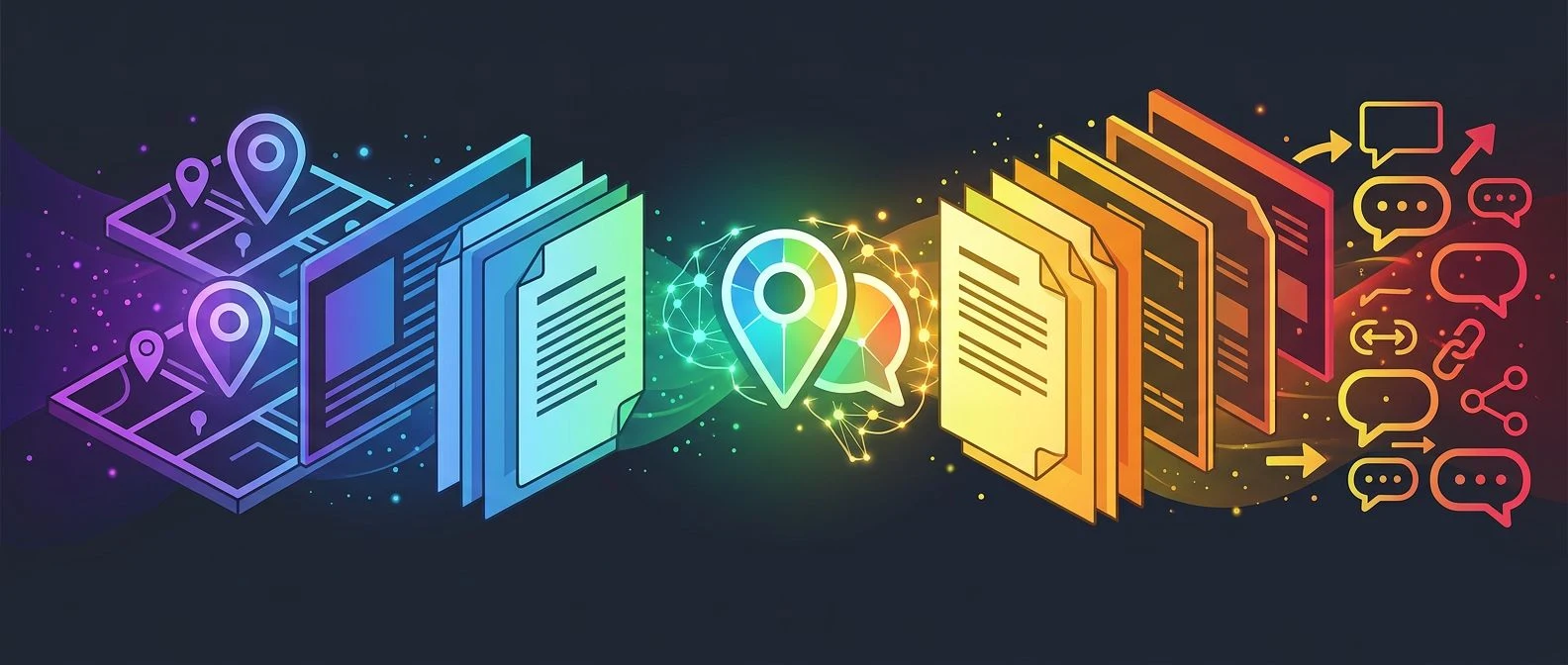
The interesting part is not that AI helped write a document. That is now the easy version of the story. The more useful part is that AI helped us move through the full production workflow: structure, messaging, layout review, editing, export, asset handling, and final publication.
Most sponsor documents are still built as manual artifacts. Someone opens a slide or document tool, copies material from earlier versions, rewrites a few sections, adjusts the design, exports a PDF, sends it around, then repeats the same process when feedback arrives. That can work, but it makes every new document feel like a fresh production job.
We wanted the Geomob sponsor presentation to move differently. We treated it as a controlled document workflow rather than a one-off file.
Starting With The Job Of The Document
The first step was not design. It was deciding what the document had to do.
A sponsor presentation has a specific job. It has to explain the event context, make the sponsor opportunity easy to understand, show why the audience is relevant, and give a potential sponsor enough confidence to continue the conversation. It should be clear enough to forward, but compact enough to read quickly.
AI is useful here because it can hold several layers of context at once. It can compare the sponsor story with the event positioning, check whether the structure answers the reader’s likely questions, and suggest where the document is too vague or too heavy. The human role remains important. We still decide the commercial story, approve the claims, and choose what belongs in the final version.
That division of work is practical. AI handles the drafting, restructuring, and consistency checks. People handle judgment, accuracy, taste, and approval.
Turning Review Notes Into Changes
The biggest time saving came during revision.
In a traditional workflow, feedback often turns into a scattered list of small manual edits: tighten this section, make the offer clearer, reduce the amount of text on this page, move this point earlier, make the closing stronger, adjust the tone for a sponsor audience. None of those tasks is difficult by itself. Together, they create drag.
With an AI-assisted workflow, review notes can be turned into a coherent edit pass. The system can inspect the whole document, apply the requested changes in context, and keep the rest of the story aligned. That matters because sponsor material depends on flow. A better opening can make a later section redundant. A clearer offer can change what the conclusion needs to say. A stronger audience description can shift the emphasis of the sponsor benefits.
This is where document AI becomes more than text generation. It becomes workflow automation for the messy middle of production.
Keeping The Output Controlled
We do not want AI documents to feel unreviewed, overclaimed, or generic. The control layer is the work.
For this document, the useful controls were straightforward: keep the language practical, keep the sponsor value clear, avoid inflated claims, preserve the intended structure, and make the PDF ready to share as a proper asset. Those constraints are similar to the ones we use across the XYZ site. They keep AI output close to the operating need instead of letting it drift into broad marketing language.
The asset workflow also matters. Once the PDF was final, we did not drop it into the website repository as a loose file. We uploaded it to the managed asset store under /docs, added sidecar metadata, and verified the public URL. That keeps publishable assets out of Git while still giving the site and the team a stable link to use.
The result is the live PDF here: Geomob sponsor presentation .
Why This Pattern Matters
This small project is a good example of the broader DECK/DOCS pattern we have been building at XYZ.
High-quality business documents are rarely just writing tasks. They are usually small production systems. They need inputs, structure, tone, design, review, export, translation in some cases, publishing, and version control. If each step is handled manually, the work becomes expensive fast. If the steps are structured, AI can help move the whole system.
That is useful for sponsor decks, sales documents, proposals, event material, investor updates, board packs, onboarding documents, and internal operating guides. The common pattern is the same: define the job, structure the source material, let AI accelerate the document work, keep people in charge of judgment, and publish the finished asset through a controlled path.
It also changes how teams think about speed. Faster document production is not only about saving time on one PDF. It means a team can respond faster to opportunities, test better material, reuse strong structures, and keep documents aligned as the offer changes.
We used AI to create this sponsor presentation because the old workflow would have spent too much attention on assembly. The better workflow let us spend more attention on the message, the audience, and the final asset.
That is the practical value of AI document work. The output is a PDF. The real gain is a repeatable operating model for getting from intent to a useful business document with less drag.
If your team still builds sponsor decks, proposals, and sales documents as one-off manual files, our DECK/DOCS workflow is the clearest place to start. For a broader conversation about AI consulting and implementation for document-heavy teams, talk to us .